
Network Security Guide
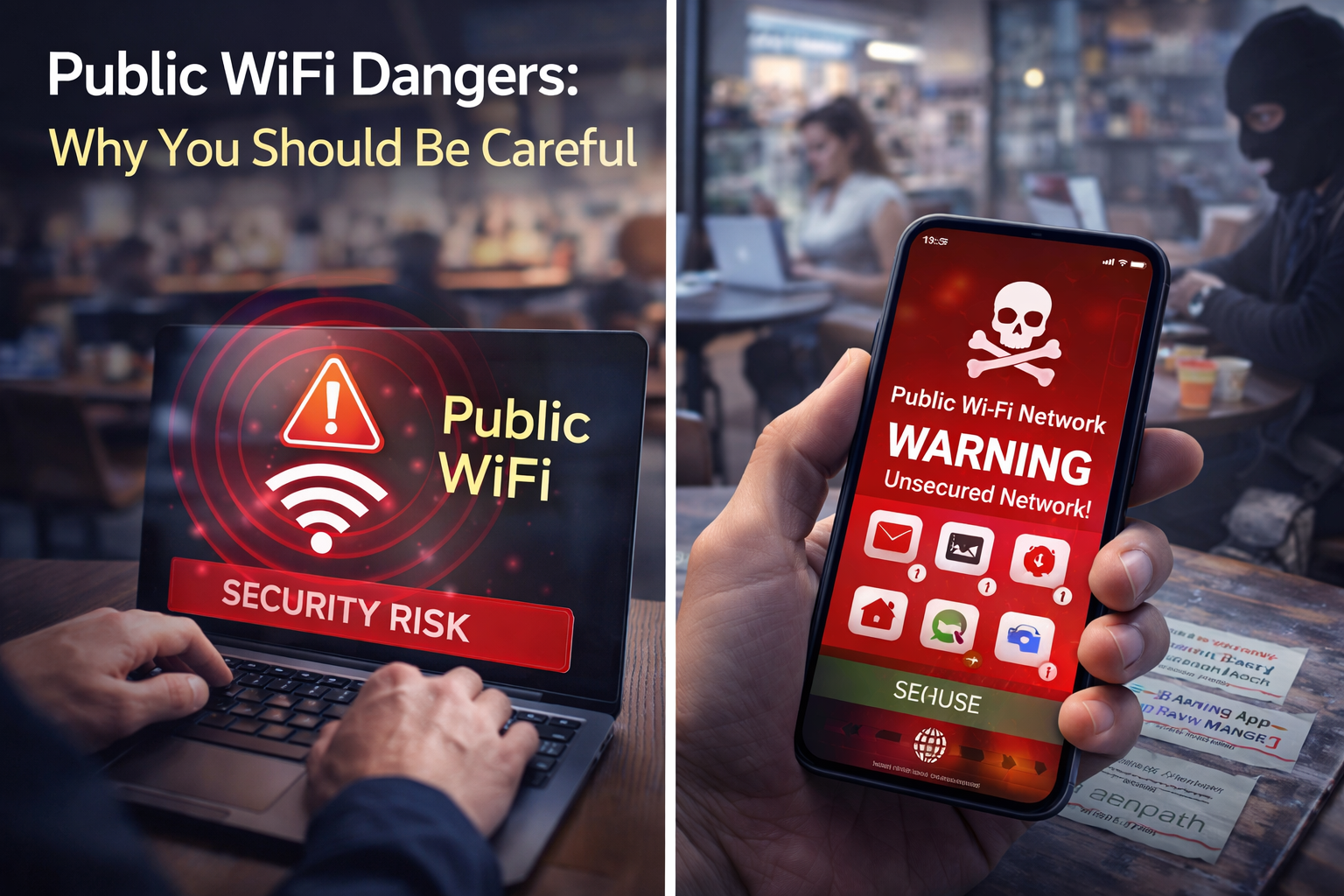
Public WiFi Dangers: Why You Should Be Careful
Public WiFi is one of those tools people trust far more than they should. It feels normal, familiar, and harmless because everyone uses it. But once you connect to a shared hotspot, you are trusting a network you do not control, an environment full of strangers, and often a login flow you have never seen before. That is exactly why attackers love public WiFi.
Public WiFi Dangers – Complete Safety Guide
This article explains what makes public WiFi risky, how fake hotspots and man-in-the-middle attacks work, what you should never do on a shared network, when a VPN helps, when it does not, and what the safest alternatives look like in the real world. It also includes an interactive risk checker and a practical checklist you can use before connecting anywhere.
Why Public WiFi Is Risky
Public WiFi is not automatically evil. The problem is that it is untrusted by default. On your home network, you know who owns the router, who else is connected, and how the network behaves day after day. On public WiFi, you usually know none of that. You are sharing the same environment with strangers, your device may be more visible than you realize, and the network itself may not even be the real one.
The biggest mistake people make is mental, not technical: they use public WiFi exactly the way they use home internet. That is when trouble starts. The network may be legitimate but poorly configured, the hotspot may be fake, or the login page may be a phishing trap disguised as a routine guest portal. A rushed user only has to make one bad click.
Common Public WiFi Attacks
Attackers on public hotspots usually do not rely on movie-style hacking. They rely on confusion, impatience, and trust. The most effective attacks are the ones that look normal to everyday users.
Evil Twin Hotspots
A fake WiFi network is created to imitate the real one. If the official SSID is easy to copy, victims often join the wrong network without noticing.
Man-in-the-Middle Interception
An attacker places themselves between you and the sites you visit, attempting to inspect, redirect, or manipulate traffic.
Fake Captive Portals
Instead of a real guest login page, you get a phishing page asking for email credentials, payment details, or a suspicious download.
Session Hijacking
If session data or cookies are exposed through weak flows, an attacker may not need your password to use a logged-in session.
8 Rules for Staying Safe on Public Hotspots
These are the habits that matter most in cafes, hotels, airports, stations, libraries, and co-working spaces. You do not need perfect security to be much safer than the average person. You need a few non-negotiable rules.
Verify the exact SSID
Ask staff for the network name instead of guessing from a list of similar options.
Disable auto-join
Do not let your device reconnect to public hotspots automatically later.
Use HTTPS only
If your browser throws a certificate warning, stop. Do not click through it.
Avoid sensitive logins
Banking, payroll, tax accounts, password resets, and admin dashboards should wait for trusted internet.
Use a trusted VPN
A VPN adds a useful layer on unfamiliar networks, but it is not a replacement for judgment.
Turn off sharing
Disable file sharing, discovery, AirDrop, and similar nearby-device features on public networks.
Keep devices updated
An unpatched laptop on public WiFi is a much softer target than an updated one.
Prefer mobile data when it matters
The safest fix is often simple: do the important task on your own connection instead.
Interactive Public WiFi Risk Checker
Use this quick estimator before connecting or before logging into something important. It is not a formal audit, but it will help you decide whether your current setup is fine for casual browsing or too risky for anything important.
Mistakes to Stop Making on Public WiFi
Joining the first familiar-looking network
One extra dash or word is enough to fool a tired traveler.
Doing banking or payments on shared WiFi
Even when the site is secure, the cost of a mistake is too high.
Ignoring browser security warnings
Warnings can signal interception, broken trust, or a fake portal.
Leaving sharing enabled
Your device should not advertise itself to strangers on the same network.
Trusting password-protected guest WiFi too much
A password on the wall does not make the network private.
Leaving the network saved after you leave
Saved hotspots can reconnect automatically, including to fake versions later.
Safer Alternatives to Free WiFi
If the task matters, the smartest move is often to use a better connection instead of trying to outsmart a risky one.
Mobile data
The cleanest choice for banking, work logins, and anything sensitive.
Personal hotspot
Ideal when your laptop needs internet but the cafe or airport network feels questionable.
Offline-first workflow
Draft now, sync later. Many tasks do not need live public internet in the moment.
Your Public WiFi Safety Score
Check the habits you already follow today. This gives you a quick score out of 100 and shows how disciplined your real-world hotspot behavior is.
Hotspot Safety Checklist
Check only what you truly do
Frequently Asked Questions
Public WiFi Is Fine for Convenience, Not for Blind Trust
The safest public WiFi habit is not technical genius. It is restraint. Verify the network, avoid sensitive activity, turn off sharing, and switch to mobile data when the task actually matters. That alone protects you better than most people using free hotspots every day.
Read: Two-Factor Authentication Guide