
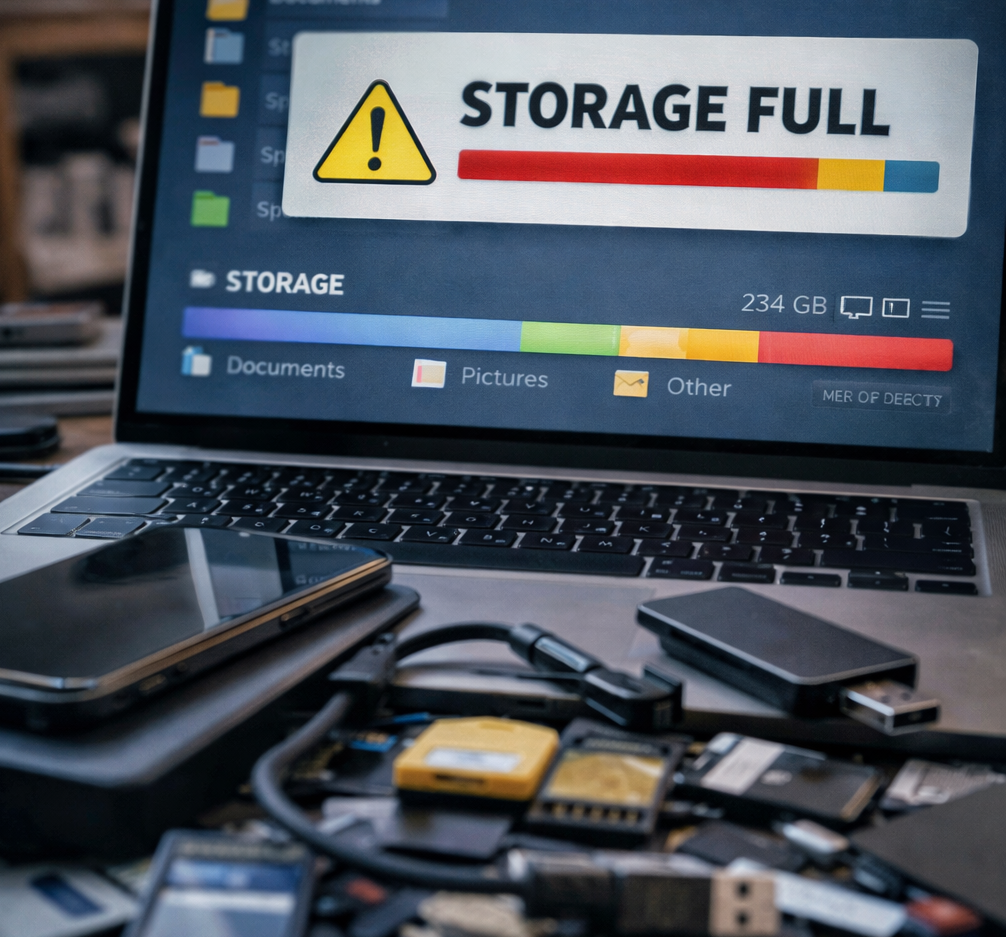

Why Your Storage Is Always Full
And How to Fix It
Full storage is one of the most annoying problems in modern devices because it rarely feels logical. You delete a few files, gain some space, and then somehow the warning comes back. Photos return. Downloads multiply. Apps grow heavier. The device feels crowded again. This guide explains why that happens, what is secretly eating your space, and how to reclaim it without deleting the wrong things.
Direct Answer — Featured Snippet
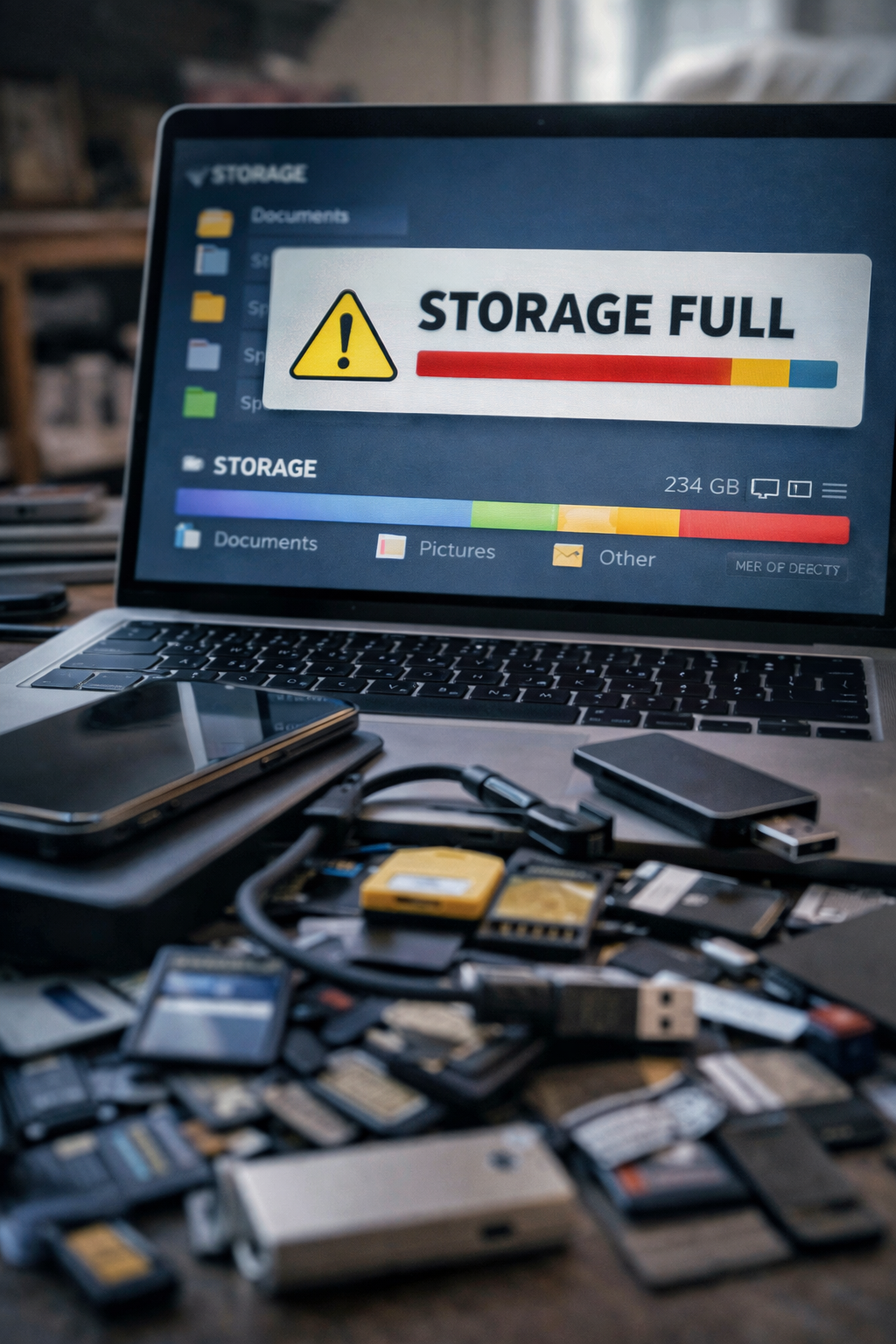
Your storage is always full because modern devices accumulate more than visible files. Photos, videos, app cache, downloads, messaging media, offline content, system files, updates, duplicates, and forgotten apps all compete for limited space. In most cases, the fastest fix is to identify the biggest categories first, remove hidden clutter, clear heavy app data, and build simple habits that stop storage from filling up again.
Why “Storage Full” Feels So Irritating
A cracked screen is visible. A dead battery is obvious. Storage problems are different. They feel unfair. You open the settings, look at the used space, and wonder how the numbers became so large. You do not remember saving that much. You certainly do not remember agreeing to your device becoming a warehouse for old screenshots, duplicated downloads, offline playlists, cached social media, messaging videos, temporary files, and app data you never consciously chose to keep.
That is what makes storage pressure uniquely frustrating. It is not only a technical issue. It is a hidden accumulation problem. Modern devices are designed to save, cache, sync, duplicate, preload, recommend, back up, and retain. Every convenience feature leaves traces. Every trace consumes space. And because that growth happens gradually, users often notice it only when something finally breaks: the camera stops saving photos, updates fail, apps refuse to install, or the device becomes slow and unstable.
The storage warning feels sudden. In reality, it is usually the final symptom of a long invisible process.
Core Insight
Most storage problems are not caused by one giant file. They are caused by layers of quiet accumulation spread across apps, media, cache, and habits.
What People Really Mean When They Search “Why Is My Storage Always Full?”
On the surface, this is an informational query. But the real intent is practical and urgent. The user wants to know three things at once: what is taking so much space, how can I free it quickly, and how do I stop the problem from coming back next week?
That means the best article on this topic cannot stop at obvious advice like “delete unused files.” It has to explain hidden storage categories, app behavior, duplicate media, system growth, and the difference between meaningful cleanup and random deletion. It also has to address the deeper frustration behind the query: users often feel that they are losing space faster than they are creating content. That feeling is real, because modern apps are designed to grow even when you are not consciously feeding them.
Many top-ranking articles fail here. They mention photos and videos, but not why messaging apps quietly become media archives. They suggest uninstalling apps, but ignore that app data and downloads are often bigger than the apps themselves. They tell people to clear cache, but do not explain when cache is useful and when it becomes weight. A better article has to be more honest: storage fills because digital life leaves residue, and modern devices generate more residue than users are taught to see.
Before You Delete Anything, Understand the Difference Between Visible Files and Hidden Weight
One of the biggest mistakes people make is looking only at obvious files — photos, videos, documents — while ignoring the hidden categories that silently expand. But storage is not only what you can see in your gallery or file browser. It includes temporary data, cached previews, downloaded media inside apps, old installers, offline playlists, thumbnails, repeated backups, duplicate photos, archived messages, system leftovers, and app data that keeps growing whether you pay attention or not.
- Visible files: photos, videos, screenshots, downloads, documents.
- Hidden weight: app cache, app data, duplicated media, offline content, temporary files.
- System growth: updates, logs, residual files, and operating system space.
- Behavioral clutter: things saved out of habit but never cleaned.
This matters because meaningful cleanup starts with categories, not panic. The goal is not to delete randomly. The goal is to identify which layer is expanding faster than you realize.
Table of Contents
- Cause 1 — Photos, videos, and duplicates
- Cause 2 — Messaging apps that become media archives
- Cause 3 — Cache and temporary files
- Cause 4 — Downloads you forgot existed
- Cause 5 — Apps that grow over time
- Cause 6 — Offline music, movies, and maps
- Cause 7 — System files and updates
- Cause 8 — Screenshots and casual saving habits
- Cause 9 — Duplicate backups and cloud confusion
- Cause 10 — Never building a cleanup routine
- FAQ
Why Storage Problems Keep Coming Back Even After You “Clean” Your Device
Many users do clean their devices. They delete a few videos. Remove two old apps. Empty the recycle bin or downloads folder. The storage bar looks better for a moment. Then a week later, it fills again. This is not because the cleanup was meaningless. It is because it did not address the source of growth.
Here is what most people miss: storage is not just consumed, it is regenerated. Social apps re-cache content. Browsers rebuild temporary data. Messaging apps download new images automatically. Streaming apps keep offline content. Camera apps produce larger files than they did years ago. Cloud services duplicate local and remote versions in confusing ways. In short, the system refills itself unless the habits behind it change.
That is why the right question is not only “What can I delete?” It is also “What keeps multiplying in the background?”
Cause 1 — Photos, Videos, and Duplicates Grow Faster Than You Think
This is the most obvious category, but it still deserves more honesty than most articles give it. Modern photos are larger than many users assume, especially in high-resolution modes, burst captures, portrait modes, live photos, and advanced camera features. Video is even more aggressive. One short 4K clip can consume more space than dozens of older photos combined.
The hidden problem is not only volume. It is duplication. People keep the original, the edited version, the version sent to a friend, the cloud copy, the screenshot of the photo, and sometimes another copy downloaded back from chat. Storage inflation is not always about one thing. It is about the same thing surviving in several forms.
Focus on large videos, duplicate shots, repeated downloads, burst photos, screenshots, and edited copies. Most users do not need to delete memories. They need to stop keeping five versions of the same memory.
Action: sort by file size and date instead of scrolling randomly through the gallery.
Cause 2 — Messaging Apps Quietly Become Giant Media Archives
Messaging apps are among the most underestimated storage consumers on any device. Why? Because they do not feel like storage apps. They feel like communication apps. But over months and years, they collect voice notes, photos, memes, videos, forwarded files, stickers, GIFs, documents, and previews from group chats you barely remember following.
This is where many users lose huge amounts of space without realizing it. Group chats are especially dangerous because they multiply incoming content automatically. A single active family group, work group, or meme group can behave like a silent download engine.
The solution is not deleting your conversations blindly. It is checking app storage settings, reviewing large chats, and controlling automatic media downloads. That one change can stop future storage growth more effectively than deleting a few random files ever will.
Cause 3 — Cache and Temporary Files Keep Expanding in the Background
Cache exists for a reason. It helps apps load faster by storing reusable data. In theory, that is useful. In practice, cache can grow so large that it stops feeling like a convenience and starts behaving like clutter. Browsers, social apps, shopping apps, video platforms, and map apps can all accumulate significant cache over time.
The problem is not that cache exists. The problem is that users often never review it. Some apps become bloated because they keep temporary content far longer than users expect. Others rebuild cache constantly, so if you never clear anything, storage quietly disappears.
Focus on the apps you use the most — browsers, social media, streaming apps, maps, and shopping platforms. Do not treat cache like evil. Treat it like residue that occasionally needs to be cleaned where it grows too large.
Action: check app storage details and target the heaviest apps first.
Cause 4 — The Downloads Folder Becomes a Graveyard
The Downloads folder is one of the most ignored spaces on any device. It fills with PDFs you needed once, old images saved from browsers, duplicate installers, screenshots copied from the web, song files, compressed folders, and random documents you no longer recognize. Because this folder is rarely visible in daily use, it can become a hidden archive of irrelevance.
Many people assume downloads are small. Individually, often they are. Collectively, over time, they become surprisingly heavy. And because the folder lacks emotional value compared with photos, it is one of the easiest places to reclaim useful space quickly.
Cause 5 — Apps Keep Growing After You Install Them
Many users look only at app size on install day. That is misleading. Apps are not static. They expand through updates, saved content, offline data, account information, downloaded assets, usage history, and cache. A small app can become a large app simply by living on your device for long enough.
Social platforms, browsers, streaming tools, editing apps, maps, podcasts, and even shopping apps often grow significantly over time. The app itself may not be the problem. The data orbit around it is.
Users often uninstall small apps and ignore huge ones simply because the icons feel familiar. But storage is not emotional. The heavy apps are the ones that deserve your attention, even if you use them every day.
Action: review storage by app size and look at total app data, not only install size.
Cause 6 — Offline Music, Movies, Podcasts, and Maps Multiply Quietly
Offline convenience has a storage cost. Streaming apps encourage downloads for flights, commuting, weak data zones, or convenience. Podcasts stack up automatically. Music playlists stay saved. Video episodes remain offline after you finish them. Map apps store entire areas. Language apps keep lessons offline. The result is a storage leak disguised as a premium feature.
Here is what most people miss: offline content feels temporary when you download it, but permanent when you forget it. A few albums, ten podcast episodes, three map regions, and several video downloads quickly become gigabytes.
Cause 7 — System Files, Updates, and Invisible Operating Weight
Not all storage belongs to you in the personal sense. Some of it belongs to the device itself. Operating systems need space. Updates need temporary working space. Logs, optimization files, rollback data, and system repair leftovers may occupy storage in ways users cannot always control directly.
This is why “I deleted so much, but I still don’t have much space” can be partly true. Some categories are structural. They cannot be reduced to zero, and sometimes they grow after updates. On phones in particular, system storage may seem confusing because it includes many internal processes users never explicitly requested.
The right response is not frustration. It is realism. Some storage is negotiable. Some is the cost of having a modern device at all.
Cause 8 — Screenshots, Casual Saving, and Digital Reflexes Add Up
One screenshot is nothing. One voice memo is nothing. One saved image from social media is nothing. One PDF from a website is nothing. But daily life is not made of one action. It is made of repetition. And repetition is what fills storage.
People save things just in case: receipts, inspiration, addresses, confirmations, memes, menus, temporary reminders, reference images, tutorial screenshots, shopping comparisons, travel info, class notes. Most of these files are not harmful individually. They become heavy because they are rarely reviewed after they are captured.
Cause 9 — Cloud Services Can Create Confusion, Not Clarity
Cloud storage is often presented as the answer to local storage problems. Sometimes it is. But it can also create confusion. Users may think files are safely “in the cloud” while copies still remain on the device. Some services sync everything. Some cache local versions. Some keep recent files offline. Some create duplicates during backup or download. The result is not always elegant simplification.
This matters because cloud tools can give users a false sense of freedom. They believe they moved files away, when in reality they may be storing local copies, cloud copies, backup copies, and shared copies at the same time.
Cause 10 — You Never Built a Storage Habit, Only Emergency Cleanups
This is the deepest reason storage problems always come back. Most people do not manage storage continuously. They manage it only when pain arrives. That means the device stays crowded until it becomes annoying enough to trigger action. Then the user performs an emergency cleanup, regains a little breathing room, and returns to the same habits that created the problem.
Emergency cleanups feel productive, but they do not change the cycle. A storage habit does. Reviewing downloads monthly, checking messaging media, deleting duplicate photos, clearing offline content after travel, and uninstalling unused apps regularly are small actions with much larger long-term effects.
The Real Fix
If storage problems always return, the solution is not one bigger cleanup. It is a smaller, repeatable system that prevents accumulation from reaching crisis level again.
Quick Storage Diagnosis Table
| What Fills Storage | Why It Grows So Fast | Best First Action |
|---|---|---|
| Photos and videos | High-resolution media and duplicates | Sort by size and remove the heaviest items first |
| Messaging apps | Auto-downloaded media and group chat files | Review chat storage and disable automatic downloads |
| Cache and app data | Apps store temporary content continuously | Clear cache from the heaviest apps |
| Downloads | Files are saved once and forgotten | Review downloads by size and date |
| Offline content | Music, maps, podcasts, videos stay stored | Remove offline files you no longer need |
| System files | Updates and operating system overhead | Accept the baseline, optimize the categories you control |
The Biggest Mistakes People Make When Cleaning Storage
Deleting random small files instead of targeting the largest categories
This wastes time and creates very little relief. Good cleanup follows weight, not emotion.
Ignoring app storage while focusing only on gallery files
Many devices lose huge amounts of space inside apps, not just outside them.
Keeping auto-download enabled in messaging apps
This turns conversation tools into silent storage drains.
Thinking cloud backup automatically removes local copies
Sometimes it does not. That misunderstanding creates duplicate storage without users realizing it.
Waiting for crisis before cleaning anything
Emergency cleanup is stressful and inefficient. Maintenance is calmer and smarter.
What Most People Miss About Storage
Storage is not only a technical resource. It is a record of digital behavior. What fills a device reveals how a person lives with technology: what they save, what they ignore, what they repeat, what they postpone, and what they believe will matter later. In that sense, storage pressure is not only about files. It is about habits.
Modern technology makes saving frictionless. One tap preserves an image. One click downloads a file. One app syncs everything. One setting auto-downloads media forever. The result is an environment where accumulation is easier than reflection. Devices fill because digital systems are optimized for capture, not curation.
Practical Takeaways: What To Do Right Now
- Check the biggest categories first instead of deleting random small files.
- Review messaging apps for auto-downloaded media and large chats.
- Clear cache from the heaviest apps, not all apps blindly.
- Audit your downloads folder and old offline content.
- Sort photos and videos by size to find the worst space offenders.
- Uninstall apps you do not truly use and review app data regularly.
- Understand whether cloud tools are removing or duplicating local files.
- Build a monthly storage cleanup habit instead of waiting for warnings.
Frequently Asked Questions
Why does my storage keep filling up even after I delete files?
What usually takes the most storage on a phone?
Should I clear cache regularly?
Why is my messaging app using so much space?
Do cloud backups automatically free local storage?
What is the fastest way to free up space?
How do I stop storage from filling up again?
Internal Linking Opportunities for ByteFix Lab
These three articles connect naturally with this guide and strengthen your performance cluster:
A Deeper Truth: Why Full Storage Is Really About Modern Digital Life
A full device is more than a technical inconvenience. It is a map of modern behavior. We live inside systems designed to preserve everything: every photo, every voice note, every forwarded meme, every saved article, every cached video preview, every temporary convenience that quietly becomes permanent residue.
This is not accidental. Digital culture encourages capture more than selection. The easiest action is to save. The rare action is to return and decide what no longer deserves space. Over time, that imbalance becomes visible in the only language devices understand: storage exhaustion.
In that sense, full storage is not just about limited capacity. It is about a world that produces more digital traces than people can meaningfully curate. Devices become crowded because our habits are crowded.
In the end, the real question is not only “Why is my storage always full?”
The deeper question is: when technology makes saving effortless and forgetting rare, what kind of digital life are we actually building around ourselves?